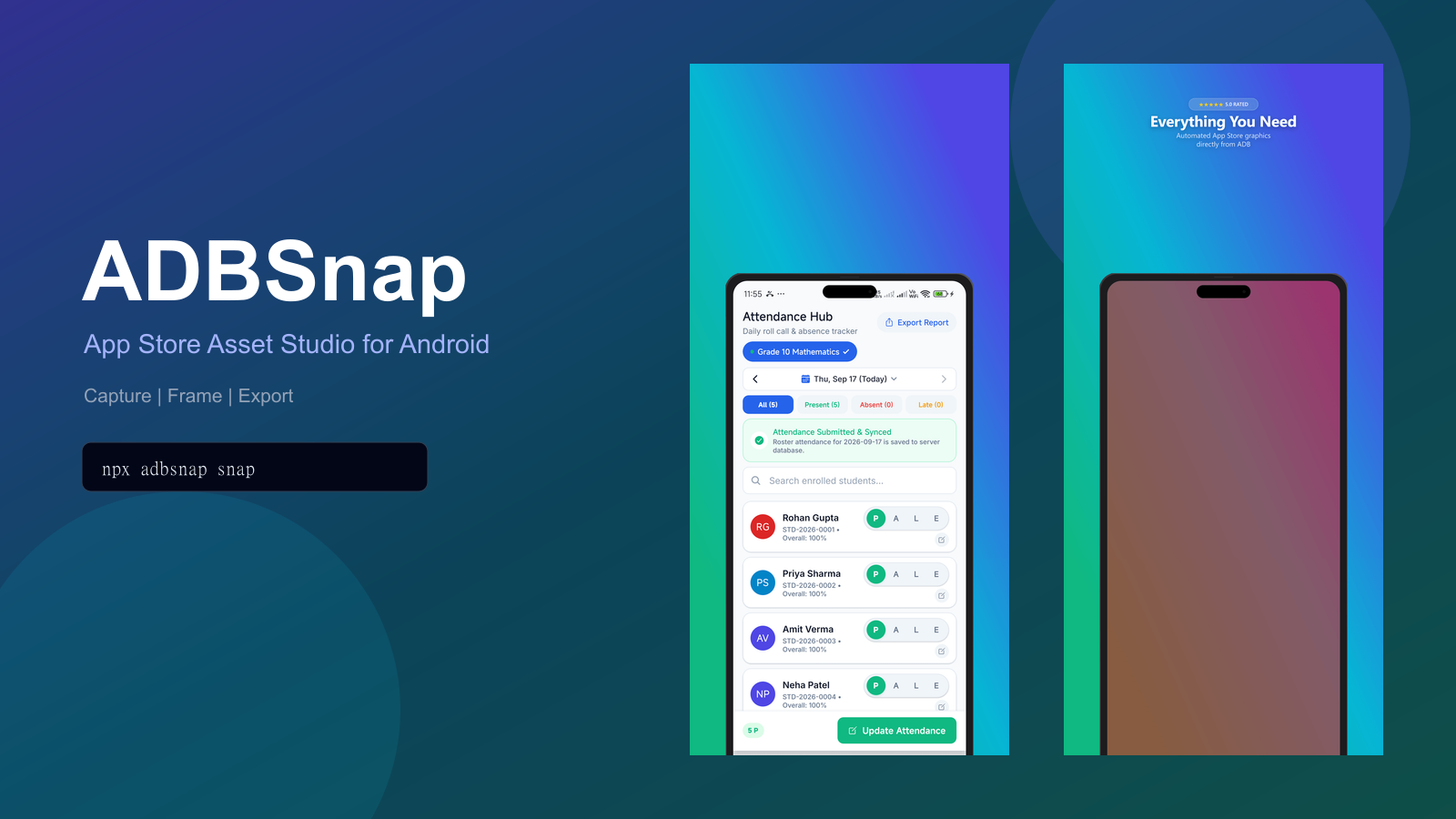
Stop wrestling with manual Figma mockups and low-res screenshots. ADBSnap captures Android devices and iOS simulators/devices directly into RAM, wraps them into vector-crisp 4K bezels, and generates ready-to-upload store graphics in under a second.
Everything you need to automate production marketing assets and visual QA in a single, zero-config tool.
Bypasses slow on-device PNG encoding and filesystem I/O. Streams uncompressed RGBA framebuffers directly from adb exec-out screencap into host RAM, converting to pristine graphics via Sharp in ~52ms with zero disk artifacts.
Pixel-crisp iPhone 16 Pro Max (6.9" Dynamic Island), Pixel 9 Pro Fold (8" inner foldable OLED), Galaxy S25 Ultra, Android Tablets, and floating frameless styles with realistic shadows.
Single-pass phone chassis assembly cached in RAM. Renders Google Play & App Store (6.9", 6.7", 6.5") asset packs concurrently via Promise.all, cutting export time from >8.1s to ~2.5s.
Export ultra-compact assets: AVIF files are 95% smaller (7.3 KB) with superior chroma fidelity; WebP files are 42% smaller (~86 KB) for lightning-fast loading.
Capture booted iOS simulators (xcrun simctl) and paired physical iPhones/iPads (xcrun devicectl) alongside Android USB & wireless debugging. Includes autonomous XCTest Auto Explorer (adbsnap explore-ios).
Direct Figma-style text repositioning right on the canvas with 120 FPS preview ghosts. Features dual visible headline and bottom callout textareas, 1-click Designer Aesthetics style recipes, fast-preview loopback, and multi-screen filmstrip management.
From automated release engineering and PR visual QA to keynote pitch decks and marketing launches.
Apple and Google demand strict, conflicting resolution standards (6.9", 6.7", 6.5", 7"/10" tablets, plus 1024ร500 feature graphics). Manually resizing and framing dozens of screenshots takes hours in design apps.
One headless command or Studio click generates an entire store-compliant asset pack with 4K vector bezels, rendered concurrently and packaged into an organized ZIP bundle.
Reviewing mobile PRs without visuals leads to guesswork. Taking screenshots on a physical device, uploading them to cloud drives, and formatting links disrupts developer flow.
Press Ctrl+Alt+S for instant framed capture, Ctrl+Alt+C to copy directly to clipboard, or use Capture and Insert into Document to write  right at your editor cursor.
QA testers often submit unhelpful screenshots without logs, forcing mobile engineers to reproduce crashes from scratch to inspect stack traces.
Run ADBSnap: Capture Bug Report to automatically pair a 4K framed snapshot of the active error state with the fatal exception Logcat stack trace into a unified Markdown bug report.
Marketers and designers need sleek device mockups for keynote slides, Figma reviews, and Notion docs, but maintaining Figma device templates is tedious.
Launch Studio 2.0, pick a designer recipe (Bold Minimalist, Neon Cyber, Gradient Luxe), drag headlines with 120 FPS ghost snapping, and press Ctrl+C to paste directly into Figma or Keynote.
Product Hunt, Twitter/X, LinkedIn, and Instagram each require completely different aspect ratios and device compositions (landscape banners, square cards, dual-device comparisons).
Switch aspect ratios seamlessly: 16:9 Landscape for Product Hunt headers, 1:1 Square for Instagram, and Duo-Phone Overlap/Split to showcase Light vs. Dark modes side-by-side.
Financial, healthcare, and enterprise apps cannot upload staging screenshots or unreleased designs containing test PII or confidential IP to cloud mockup tools.
ADBSnap executes 100% locally in machine RAM via local ADB, Xcode tools, and Sharp C++ binaries. Zero network telemetry, zero third-party APIs, zero cloud uploads.
Screenshots with 14% battery, spotty Wi-Fi bars, 25 notification icons, and arbitrary times look unpolished and immediately signal low quality to users.
ADBSnap sends native SystemUI commands to sanitize the status bar to official marketing standards: 9:41 AM, 100% battery, full LTE/Wi-Fi, and zero notifications.
Engineered for sub-second execution, zero disk latency, and publication-grade 4K vector fidelity.
Streams uncompressed RGBA pixel buffers directly from adb exec-out screencap into host RAM in ~52ms with zero on-device disk writes. Auto-detects Android USB/Wi-Fi and macOS iOS simulators (xcrun simctl) and iPhones (devicectl).
Mathematical SVG chassis modeling for 2026 flagships (iPhone 16 Pro Max 6.9", Pixel 9 Pro Fold 8", Galaxy S25 Ultra, iPad Pro 13"). Features multi-radius drop shadows, Dynamic Island cutouts, and photorealistic glass edge reflections.
Ultra-lightweight native Node HTTP engine booting in <15ms. Supports direct on-canvas drag repositioning with 120 FPS ghost snapping, granular zoom stepper ([ โ ] % [ + ] [ ๐ Fit ]), and multi-aspect artboards.
Pre-assembles framed phone chassis once in RAM and caches the buffer. Concurrently renders all App Store and Google Play resolutions via Promise.all, slashing export durations from >8.1s to ~2.5s (over 3x speedup).
Compiles multi-screen flows from the filmstrip into high-framerate, smoothly looping animated GIFs with custom step delays (500ms โ 4000ms) for animated PR walkthroughs and marketing docs.
Deep editor integration with Ctrl+Alt+S quick capture, cursor markdown insertion, Demo Mode status bar toggling, and an offscreen <canvas> PNG normalizer for flawless pasting into Slack and Figma.
While ADBSnap creates stunning App Store marketing graphics, PromptTest Studio automates full user journeys, inspects native Android view hierarchies, and catches visual regressions using natural human language.
Install globally, add to your React Native / Flutter project, or run on demand via npx.
Best for visual drag-and-drop framing, headline tweaking, and instant ZIP export:
Best for CI/CD pipelines, automated release scripts, and fast local terminal captures:
| Command | Description | Key Flags |
|---|---|---|
| adbsnap snap | Capture screen, apply 4K vector bezel, and export framed showcase image. | --aspect=portrait|landscape|square, --format=webp|avif, --theme, --frame |
| adbsnap demo | Toggle Android SystemUI Demo Mode: clean status bar with 9:41 AM, 100% battery, no notifications. | on, off, --device |
| adbsnap studio | Launch interactive visual studio with on-canvas drag & 60fps fast-preview. | --port=3000 |
| adbsnap export | Parallel multi-store asset pack export (App Store & Play Store ZIP). | --format=webp|avif|png, --zip |
| adbsnap doctor | Diagnose ADB path, permissions, USB authorization, and dependencies. | โ |
| adbsnap devices | List attached USB, Wi-Fi, emulator, and iOS simulator/device targets. | โ |
| adbsnap explore | Autonomous Android bottom-tab crawler: captures each app tab hands-free. | --max-tabs=5 |
| adbsnap explore-ios | Autonomous iOS UI explorer (XCTest): traverses tab roots & views into App Store screenshots. | --bundle, --device, --team, --zip |
Capture live device screens, generate framed mockups, and paste images directly into your Markdown documentation, PR descriptions, or bug reports without leaving your IDE.