Armored Screen Touch &
Ear Guard for Android.
TouchProof draws an invisible, protective touch shield over running apps. Listen to YouTube music and podcasts in your pocket without accidental touches, and prevent accidental cheek hangups during phone calls.
The Accidental Touch Problem — Solved.
See the immediate difference TouchProof makes every single day.
The Daily Frustrations
- ✗ YouTube videos and Spotify playlists pause or skip randomly inside your pants pocket or backpack.
- ✗ Ear and cheek contact during phone calls accidentally mutes your mic, dials numbers, or disconnects the call.
- ✗ Sweat, rain droplets, or workout clothes trigger frustrating ghost touches while running or cycling.
- ✗ Displays remain brightly lit at full backlight inside bags, overheating your phone and wasting battery life.
Worry-Free Background Play
- ✓ Uninterrupted pocket playback: Media streams flawlessly while all touch and gesture inputs are locked.
- ✓ Smart In-Call Ear Guard auto-shields your display during voice calls so cheek hangups are 100% prevented.
- ✓ Sweaty fingers or workout gear can't disrupt your running fitness tracker, navigation, or recipes.
- ✓ Dual-sensor fusion turns OLED displays 100% pitch black in your pocket, dramatically conserving battery.
Engineered for Seamless Daily Peace of Mind
Designed from the ground up for zero distraction, rapid 1-tap activation, and complete battery efficiency.
1-Tap Armored Touch Shield
Draws an ultra-thin, invisible protective barrier over running media players, YouTube videos, and GPS navigation. Media stays 100% visible while all swipes, taps, and gestures are completely blocked.
Smart In-Call Ear Guard
Automatically shields your display during active phone calls. Stops ear and cheek hangups, accidental mutes, or keypad dials on calls.
Dual-Sensor Pocket Fusion
Fuses proximity and accelerometer tilt sensors with a wake-lock window. Dims display inside pockets without triggering false blackouts on flat desks.
Pitch-Black OLED Mode
Turns pixels 100% black in pocket mode to physically turn off OLED/AMOLED pixels, significantly reducing battery consumption.
Quick Settings Tray Tile
Swipe down anywhere on Android to arm or disarm TouchProof directly from your system notification tray with 1 tap.
Permanent Bright Unlock
Floating Double-Tap or Triple-Tap badge remains clearly visible on screen so you can unlock comfortably without searching.
Clean, Modern Jetpack Compose Interface
Handcrafted for high contrast, responsive tactile haptic clicks, and seamless Android 14+ support.
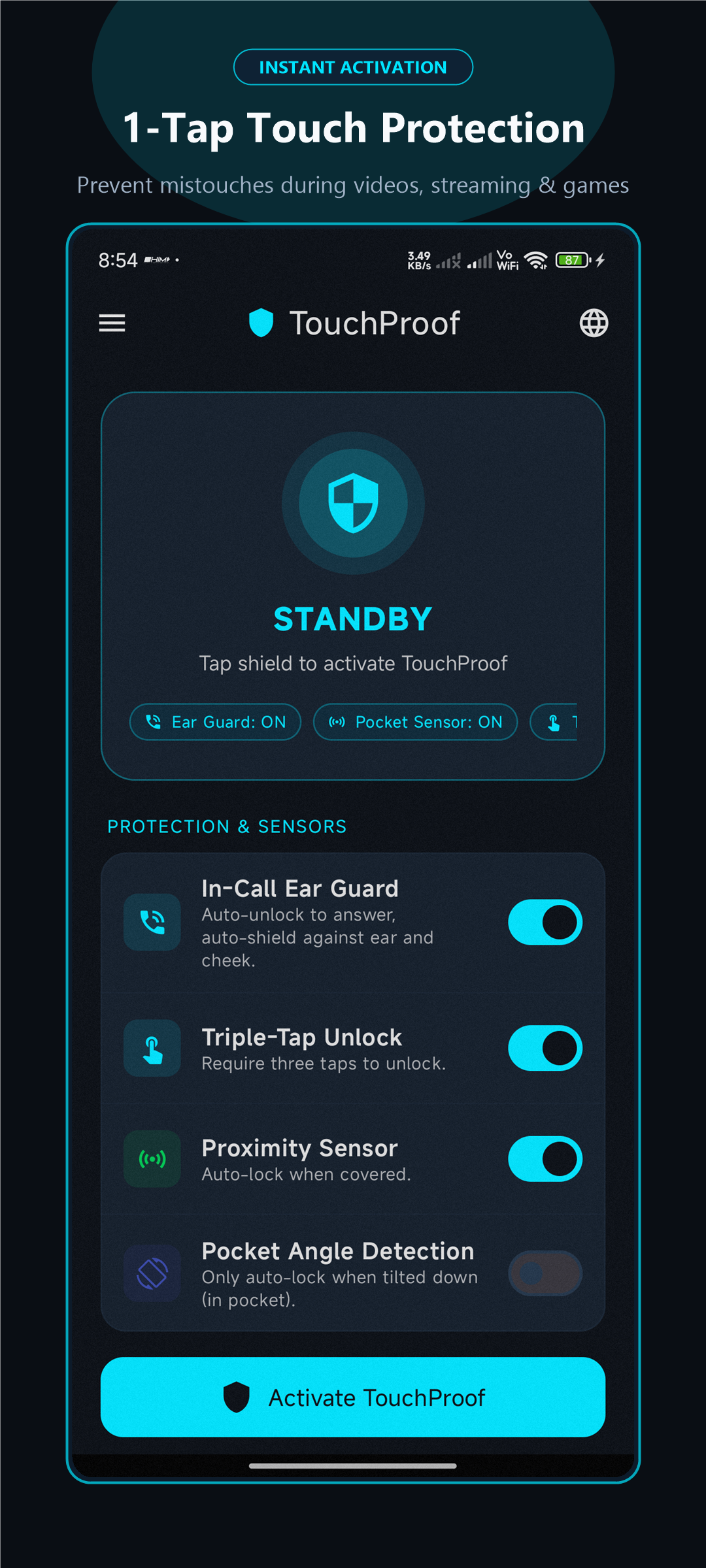
One-Tap Armor
Instant screen protection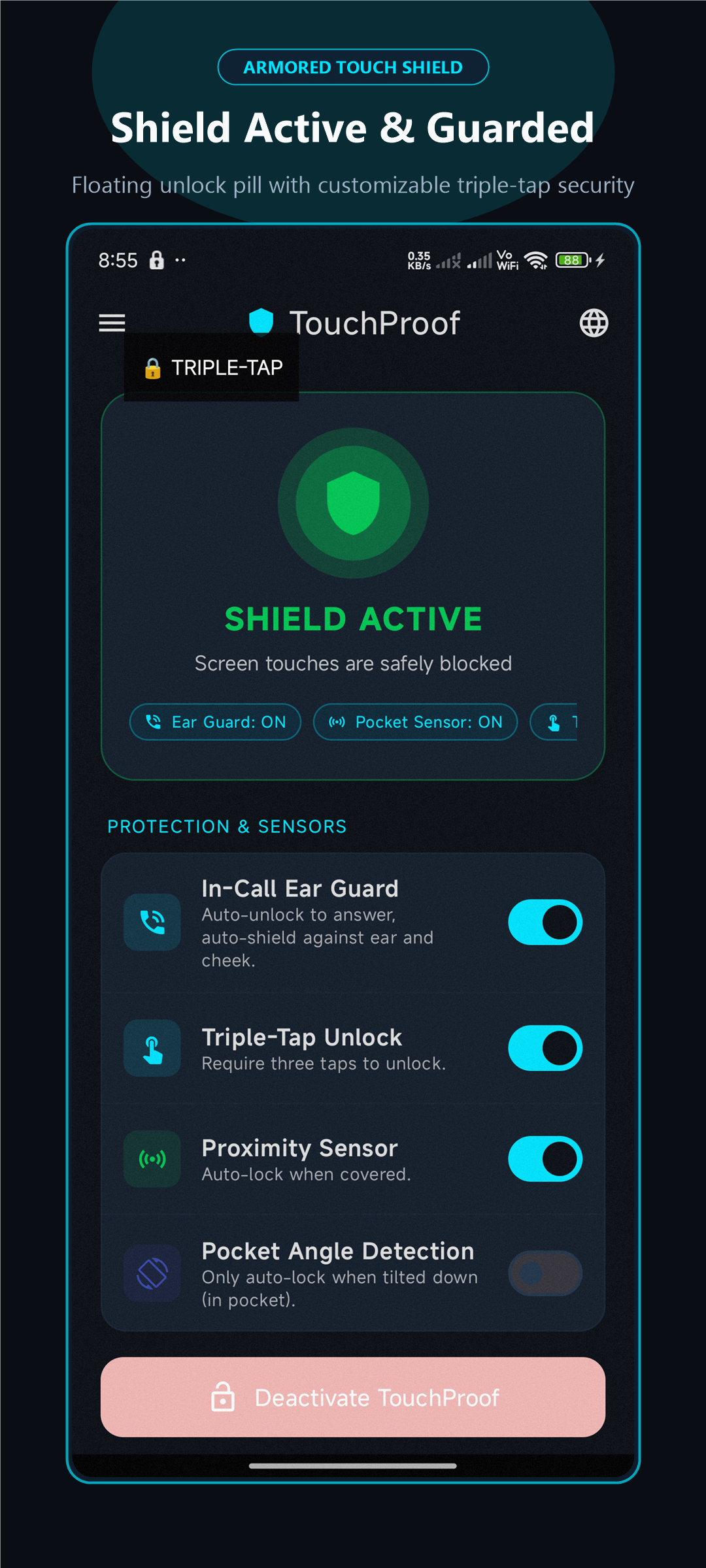
Tactile Shield Active
High-contrast visual feedback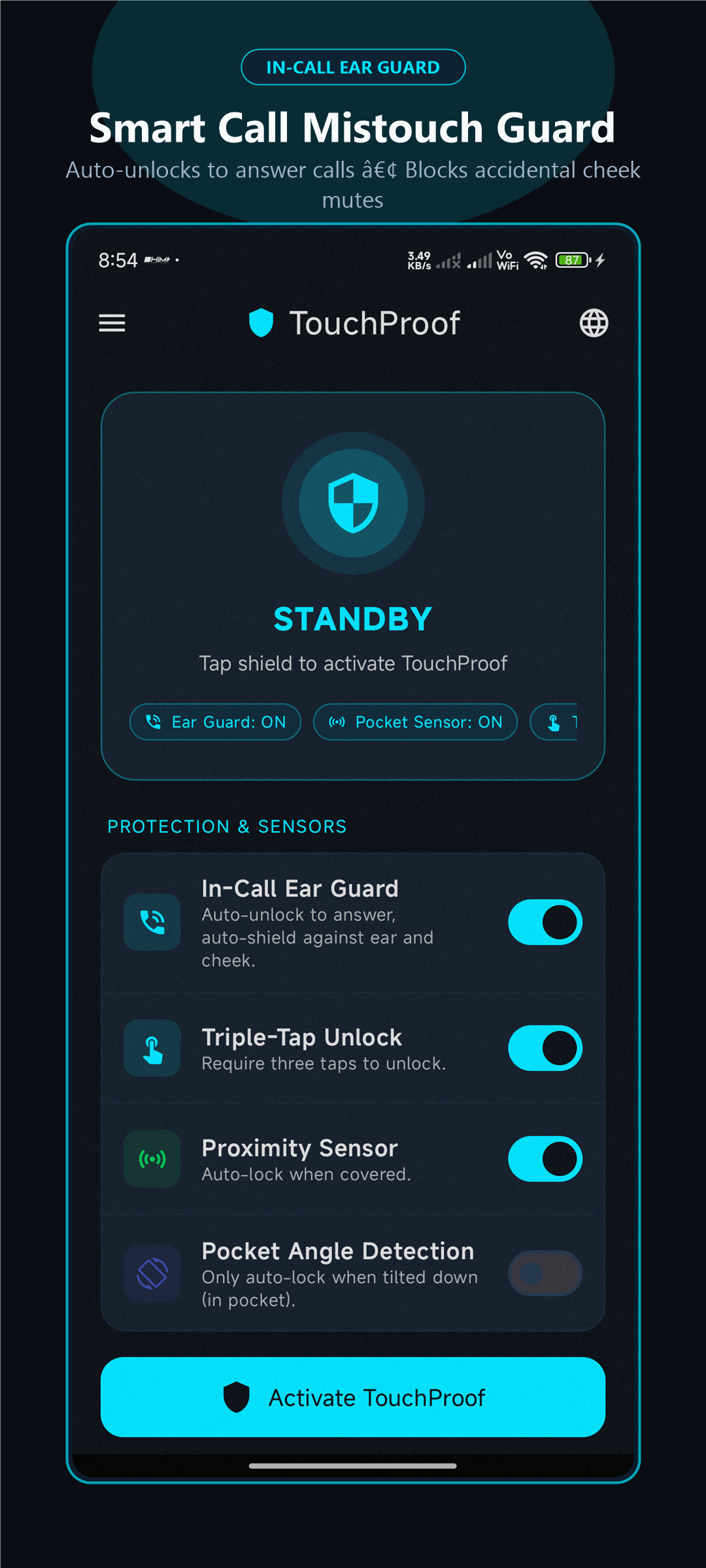
In-Call Ear Guard
Automated call protection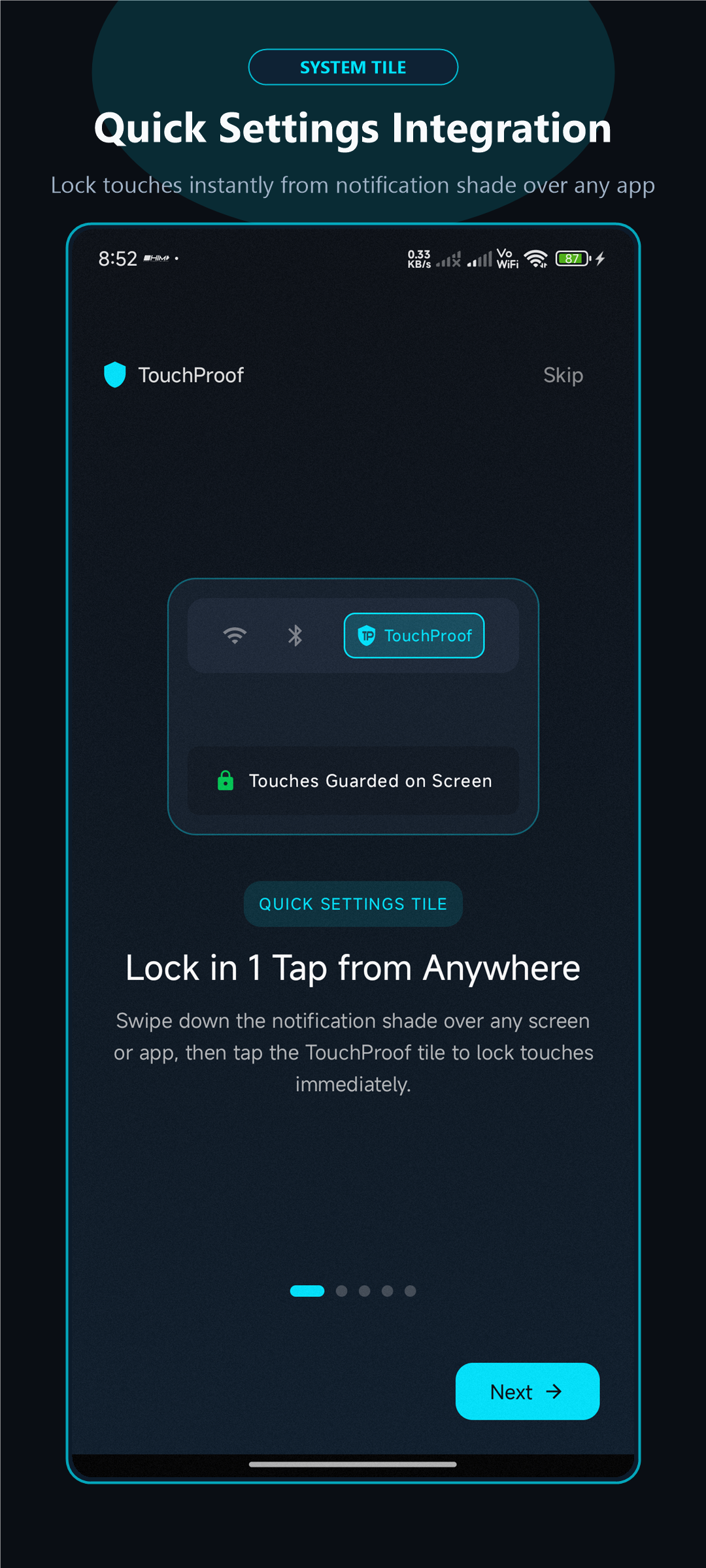
Quick Settings Tile
1-Tap notification tray toggleRelease History & Changelogs
Track every major upgrade, new capability, and performance enhancement across releases.
- Full Sanskrit (संस्कृतम्) Language Support: Complete end-to-end regional translation tailored for Indian users on Indus Appstore alongside Hindi (हिन्दी) and English.
- Tactile 3D Switch Toggles: Redesigned settings controls with elevated 3D tactile thumbs, high-contrast slate tracks, and clear checkmark indicators.
- Dual-Sensor Fusion (Pocket & Tilt Detection): Smart sensor fusion prevents false blackout triggers when resting flat on tables or desks while reliably detecting true pocket orientation.
- Always-Visible Unlock Badge: Floating unlock badge stays bright and prominent by default so you can dismiss the shield effortlessly without fumbling.
- In-App Support & Community Links: Direct connection to the official public community portal and live online privacy policy.
- 1-Tap Armored Screen Lock: Invisible touch barrier that keeps media playing in pockets without accidental touch disruption.
- In-Call Ear Guard: Automatic ear and cheek shield protection against accidental mute, hold, keypad presses, or hangups during phone calls.
- Pitch-Black OLED Mode: Turns pixels 100% black in pocket mode to save battery on AMOLED/OLED displays.
- Quick Settings Tile: 1-tap lock directly from the Android notification tray.
- 100% Offline & Private: Zero internet permissions, zero telemetry, zero trackers.
Frequently Asked Questions
Everything you need to know about TouchProof, permissions, and privacy.
TouchProof is officially verified and distributed through the PhonePe Indus Appstore, featuring automatic malware scanning, security reviews, and seamless updates. For international users or developer sideloading, official cryptographically signed universal APK binaries are also available on our GitHub Releases page.
TouchProof draws an invisible, transparent protective overlay surface directly on top of running applications (such as YouTube, Spotify, and Netflix). This overlay intercepts all unwanted touches before they can pause, skip, or disturb your running apps.
Virtually zero. TouchProof uses event-based hardware sensors (proximity and accelerometer) that consume < 0.1% battery. When pocket mode is active on AMOLED/OLED screens, it renders 100% true black, saving battery compared to normal screen-on states.
Absolutely none. TouchProof has zero internet permission (android.permission.INTERNET is not even declared in the app manifest). The app contains no analytics SDKs, no trackers, and no ad frameworks.
Simply double-tap (or triple-tap) the floating unlock badge on your screen. You can drag and position the badge wherever your thumb naturally reaches, and feel distinct haptic vibration confirmation upon unlocking.
Yes! You can swipe down from anywhere to tap the Quick Settings notification tray tile, tap the 1x1 Home Screen widget, or long-press the app icon on your launcher.
Get TouchProof for Android
Armored touch protection, in-call ear guard, and dual-sensor OLED battery savings in one lightweight utility. Available now on PhonePe Indus Appstore.
Point phone camera to install directly